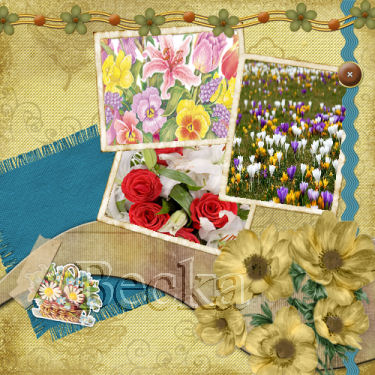
 Notes: Beginner Supplies:
TL-Cluster-QP -- or template of choice
Tubes/Pics of choice
Place your Quick page to your workspace Use your magic wand and select in the transparent area
Selections/Modify/Expand/2
Edit/Copy your picture and then go to your quickpage and Edit/Paste INTO selection (You want to expand so that there are no gaps/holes it will look cleaner). see example: 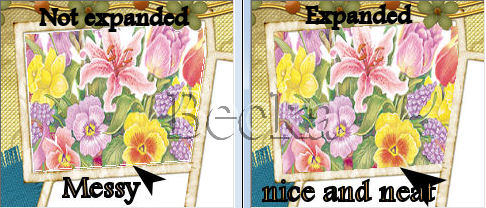 Repeat steps until complete.
Notes:
If by chance, when you select an area that not all is selected 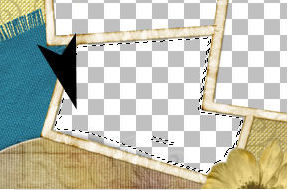 Use your magic wand and select on this area, making sure that your mode setting is on 'Mode' 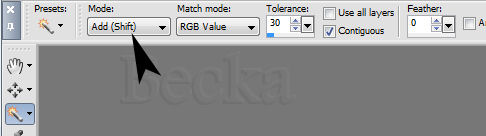 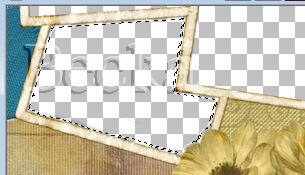 All done :-) ©CreateWithBecka 2009-2011 3-12-10   |
Make a Free Website with Yola.
