Make Smoke


Notes:
This tut was done in PSP 10 but should work as well in other versions.
Some knowledge of, and experience with, PSP is required.
A trial version of PSP can be downloaded from here.
You are welcome to use my images, or use your own
If any filters are used, please note that if you don't already have them installed that you will have to close PSP, Install, then start PSP again.

Intermediate

 Step 1:
Open a 400 x 400 Black image
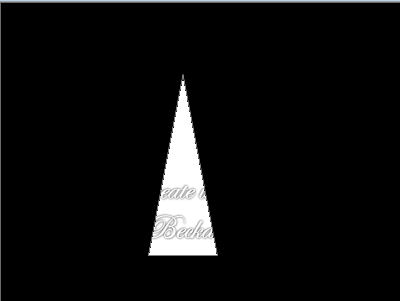
Click on the preset tool icon and choose the triangle
Place the triangle in the middle of the image and keep it close together to look like a flame.. Or what looks good or what you want the smoke to look like

Flood fill the inside of the triangle with white and/or dark grey -- depending on the color that you would like your smoke to be
 
Step 2:
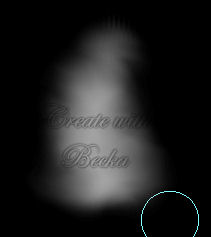
Click on the hand (tool between the paintbrush and the eraser) and choose 'Smudge'

Work this around in circles until you get the effect that you are looking for


Step 3:
Click on the hand (tool between the paintbrush and the eraser) and choose 'Soften'

Work with this until you get your desired look
 
 
©CreateWithBecka
2009-2011
10-27-10


Make a Free Website with Yola.