 Notes:
This tut was done in PSP 10 but should work as well in other versions. Advanced Supplies: B260609 tube Eye Candy 3.1
Choose one of the hearts Step 1: Take your transparent image (200 x 200)
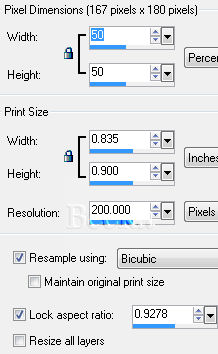
Selections all Use your selection tool and select around the flowers Edit/Copy Edit/Paste Into Selection Selections/Selections None Go to your materials palette, choose this pattern On your heart layer Layers/Duplicate Image/Re-size
Image/Mirror
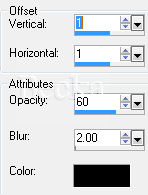
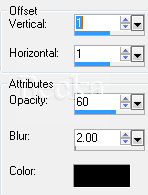
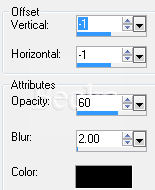
Lower the opacity of this layer to 40 Add a caption Effects/3D Effects/Drop Shadow - All 3 layers
Step 2:
Go to your Raster 1 layer
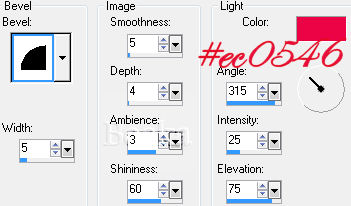
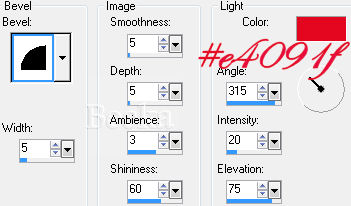
Effects/3D Effects/Inner Bevel
Step 3: Layers/New Raster Layer
Flood fill this layer with with a solid, pattern or Gradient of your choice Layers/Arrange/Send to Bottom Image/Add Borders/20px/White Highlight this border Effects/3D Effects/Drop Shadow
Flood fill with your pattern Step 4: Image/Add Borders/2px/Black Effects/3D Effects/Drop Shadow same as before
Step 5: Image/Add Borders/Black/2 px Add Name ©CreateWithBecka 6-28-10   |
|

Make a Free Website with Yola.
